Anatomy of a Module
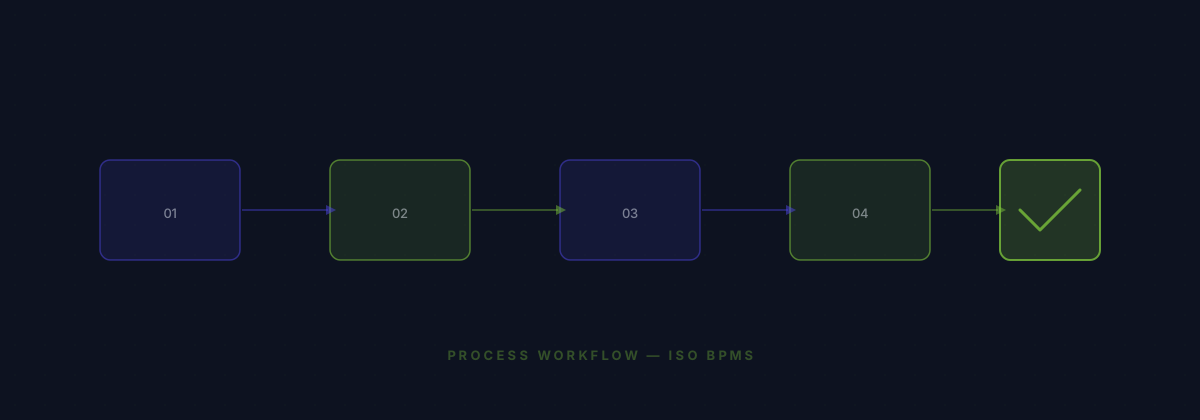
A module is a JSON manifest file that declares objects, fields, relations, triggers, and actions. The CRM module, for example, defines 5 objects (Person, Company, Opportunity, Task, Note), 38 fields, 3 relations, 2 triggers, and 2 actions. When you install it, the engine creates real PostgreSQL tables with typed columns and registers workflow nodes.
Creating Your Manifest
Start with the module metadata: name, slug, version, description. Then define your objects with their fields. Each field specifies a type (TEXT, NUMBER, CURRENCY, SELECT, etc.), label, and optional validation. Relations link objects together with foreign keys. Triggers and actions extend the workflow builder palette.
Installation Flow
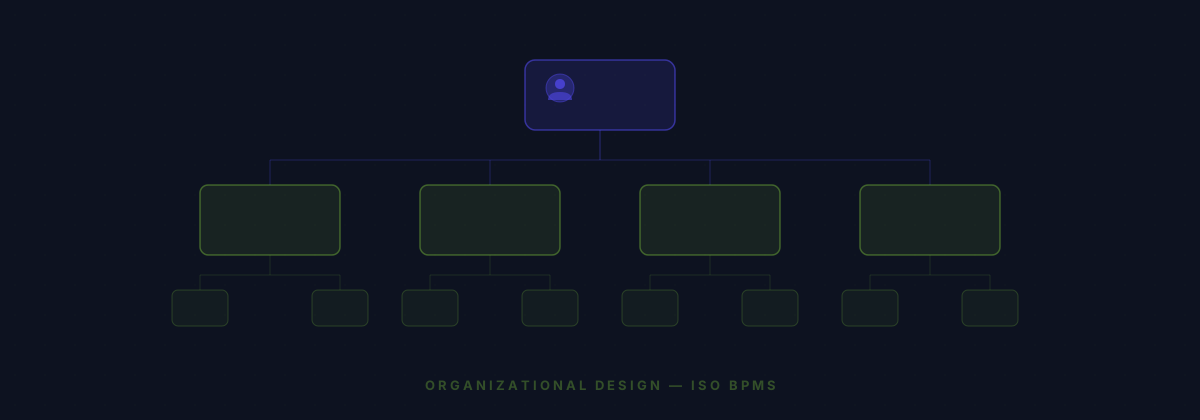
When you install a module, the engine: (1) inserts object and field metadata, (2) creates PostgreSQL tables with typed columns via DDL, (3) adds foreign keys for relations, (4) creates utility tables for attachments, favorites, notes, and tasks, (5) registers workflow triggers and actions, and (6) bumps the metadata version so the GraphQL schema regenerates.