From Words to Workflows
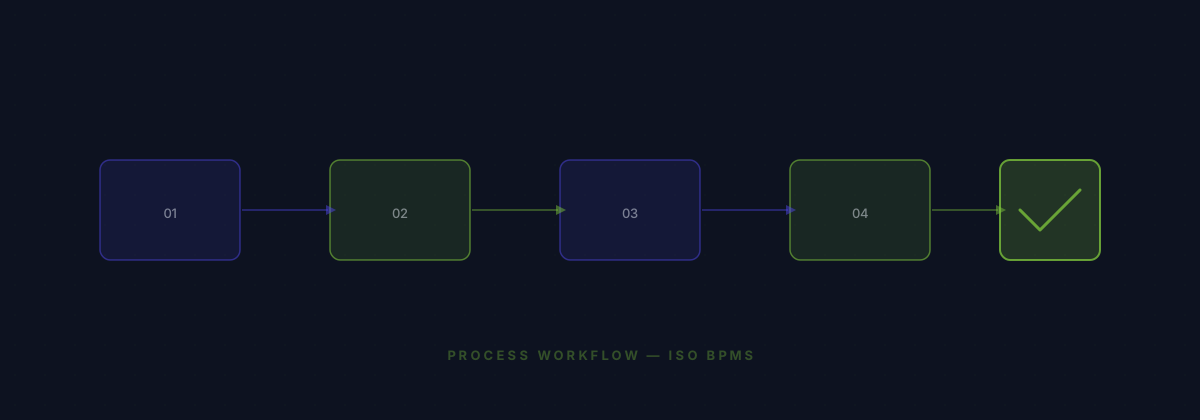
The ISO BPMS workflow builder lets you design processes visually with a drag-and-drop canvas. But the real power comes from AI: describe what you need in a chat panel, and the AI composes the workflow for you — selecting triggers, adding conditions, inserting approval steps, and wiring actions together.
30+ Node Types

The builder includes 7 built-in triggers (record created, updated, deleted, field changed, stage changed, scheduled, manual), 8 actions (create/update/delete records, send email, notify, create task, add note, assign owner), 2 human-in-the-loop nodes (approval, manual task), and 13 DuraDX infrastructure nodes for advanced orchestration.
Module-Contributed Nodes
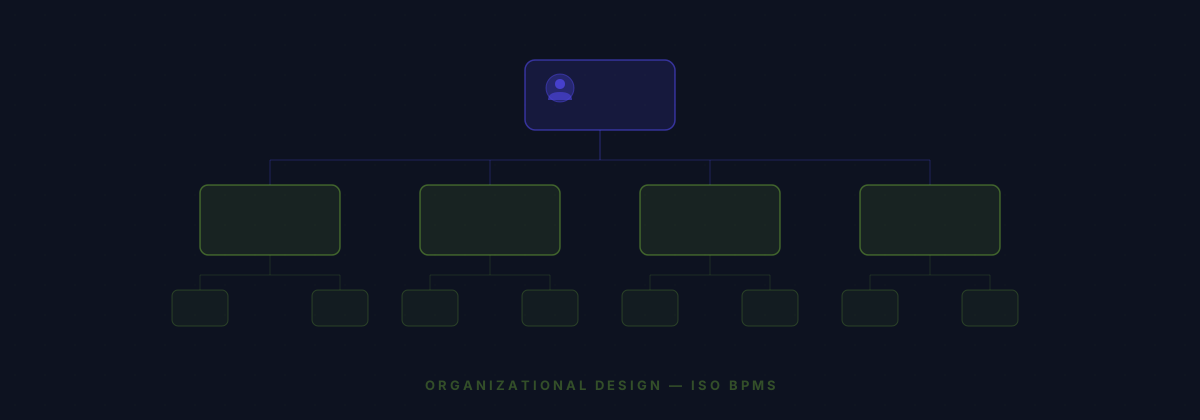
When you install a module like CRM, it contributes its own triggers and actions to the workflow palette. The CRM module adds stage-changed triggers, new-lead triggers, and actions like create-follow-up and update-deal-stage. This plugin architecture means the workflow builder grows with your system.